📚 Free Online Games No Download for PC: Play Instantly in Your Browser
You don't need to install anything to play great games on a PC. Browser-based HTML5 games load instantly in Chrome, Edge or Firefox — no download, no launcher, no sign-up. This guide explains how they work and how to find good ones that run smoothly even on a slow computer.

Why no-download browser games are convenient
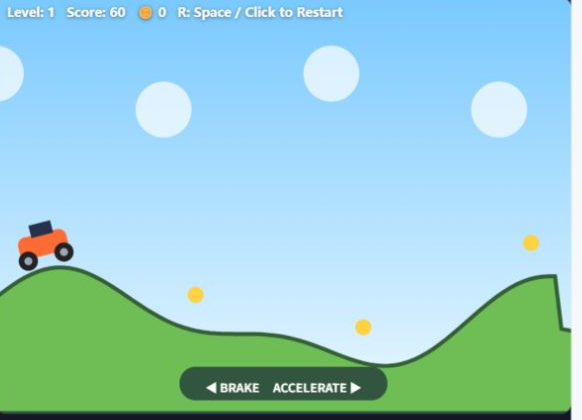
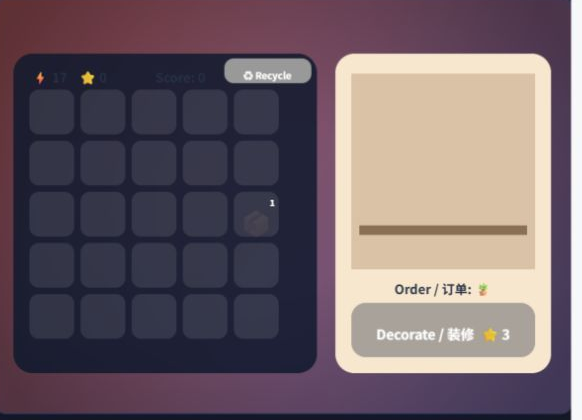
Browser games run entirely inside the web page, so there is nothing to install and nothing taking up disk space. You can play on a work laptop, a school computer or a low-end PC, and close the tab when you are done — the game leaves no files behind. Because they use standard web technology (HTML5 Canvas and JavaScript), they also work the same across Windows, Mac and Chromebook.
How to tell a good instant-play game
Look for games that start within a couple of seconds, work with just a mouse or keyboard, and do not force a login before you play. Original, lightweight games usually run at a smooth frame rate even without a graphics card. Avoid sites that pile on pop-ups or ask you to "download a client" — the whole point of a browser game is that it just works.
Where to play free PC browser games
SmallWebGame offers hundreds of original browser games across puzzle, action, arcade, casual and more — all free, all instant, no download and no account. They run on desktop and mobile alike, so you can start on your PC and pick up on your phone.
❓ Preguntas frecuentes
Are browser games really free with no download?
Yes. HTML5 browser games run inside the web page itself, so there is nothing to install and no cost to start playing. Just open the page and go.
Do no-download games work on a slow or old PC?
Most lightweight browser games are built to run without a dedicated graphics card, so they stay smooth on older laptops, Chromebooks and low-end PCs.