📚 Play Mobile-Style Games on PC: Web Versions You Can Open in a Browser
Want to play phone-style games on a computer without installing an emulator? Web versions of mobile genres run directly in Chrome, Edge or Firefox with mouse and keyboard support. This guide explains what a web version really is, which genres translate well to a big screen, and how to get the smoothest experience.

What a web version actually is
A web version is a game built with HTML5, Canvas and JavaScript so the whole thing ships as a page rather than an installer. Your PC downloads only the assets needed for the current session, nothing is written into Program Files, and closing the tab ends the game cleanly. Because the same code runs on Windows, macOS and Chromebook, a web version behaves identically everywhere, and it starts in seconds instead of minutes.
Which genres feel best on a PC screen
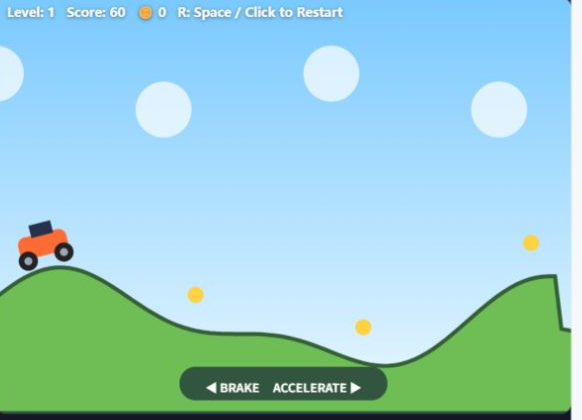
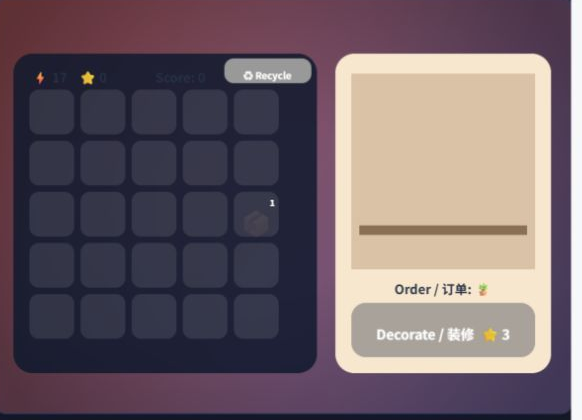
Puzzle, card, strategy, tower defense and management games gain the most from a big screen, because you can see the whole board and click precisely with a mouse. Arcade, platformer and shooting titles benefit from keyboard input, which is far more accurate than a virtual joystick. Games that rely on multi-finger gestures or device tilt translate less well, so look for web titles designed for mouse and keyboard from the start.
Getting a smooth experience in the browser
Keep your browser updated, close heavy tabs before playing, and enable hardware acceleration in the browser settings so the GPU handles rendering. Press F11 for fullscreen to remove the toolbars and gain screen space. If a game stutters, lower any in-game quality option first; lightweight web games are designed to stay smooth even on office laptops without a dedicated graphics card.
❓ Preguntas frecuentes
Do I need an emulator to play mobile-style games on PC?
Not for web games. A browser version runs natively in the page with mouse and keyboard support, so an emulator is only needed when a title exists exclusively as an installed phone app.
Can I keep playing on my phone later?
Yes. The same web page opens on a phone browser with touch controls, so you can switch devices freely. Progress carries over only if the game offers an account or cloud save.