📚 Play Mobile-Style Games in Your Browser on PC, Free and Instantly
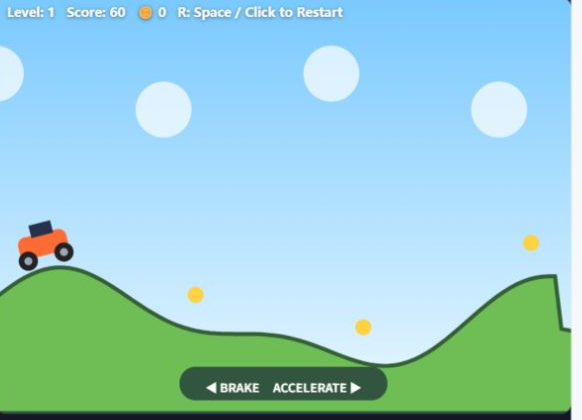
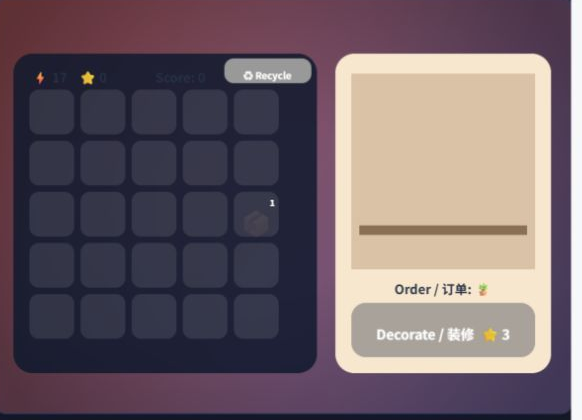
The quickest way to play mobile-style games on a computer is to skip installation altogether. HTML5 games run natively in Chrome, Edge, Firefox and Safari, with mouse and keyboard controls, no emulator and no account. Here is what works well in a browser and what does not.

Why browser games suit a PC so well
A browser game is just a web page using HTML5 Canvas or WebGL, so it starts in seconds, uses no disk space and leaves nothing behind when you close the tab. Because it is not emulating anything, it runs comfortably on office laptops, Chromebooks and older machines without a dedicated graphics card. Touch controls map naturally to a mouse: taps become clicks and swipes become drags.
Getting the best experience
Use fullscreen for a proper big-screen feel, and make sure hardware acceleration is enabled in your browser settings, since it handles the rendering. Keep the game in the active tab — background tabs are throttled by browsers to save power, which can pause animations. Closing heavy tabs and extensions helps on older machines, and many browsers let you install a game as an app window with its own icon.
What browsers cannot do
Large 3D mobile titles with gigabytes of assets and anti-cheat requirements generally have no browser build, so those still need an official PC client, cloud streaming or an emulator. Saves in browser games are usually stored locally per browser, so clearing site data or switching computers can reset progress. For casual, puzzle, arcade and card games, though, the browser is genuinely the most convenient option available.
❓ Questions fréquentes
Do browser games need an emulator?
No. They are built with web technology and run directly in the browser on Windows, Mac, Linux and ChromeOS with nothing installed.
Will my progress be saved in a browser game?
Usually yes, in local browser storage on that device. Clearing site data or using a different browser or computer can lose it, so back up if the game allows export.